

Description
Fidget Cube: Virtual Tactile Fun
Overview
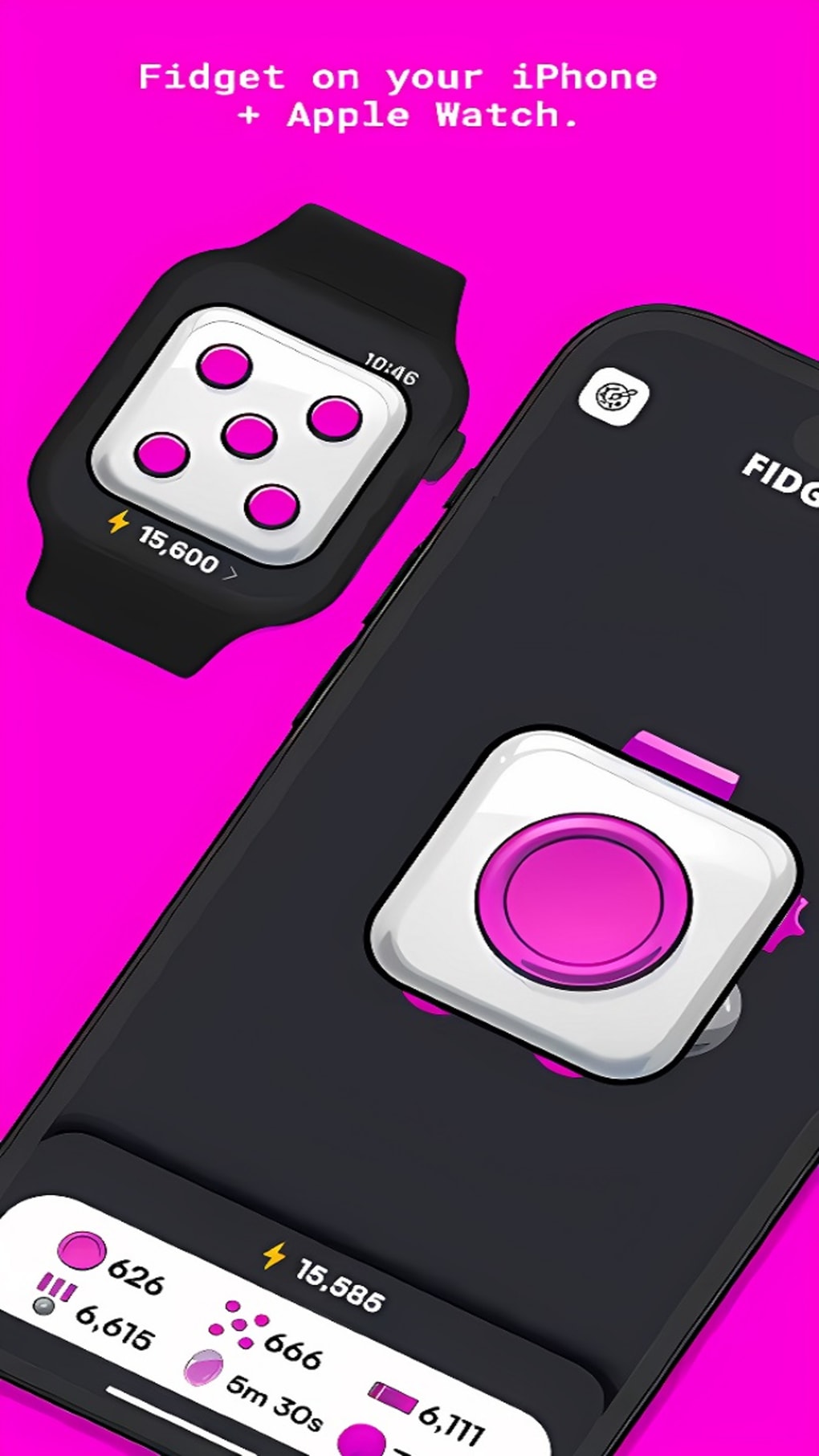
The Fidget Cube by Antsy Labs is a free digital simulation that recreates the experience of the popular physical fidget toy. Designed for users seeking a calming, interactive outlet for restless energy, the app translates the six distinct sides of the original cube into a responsive touchscreen interface. Each side offers a unique interactive function, allowing users to tap, spin, roll, and manipulate virtual components in a way that mimics the real-world tactile sensation. The software is tailored for casual users, students, professionals, and individuals managing anxiety or attention-related needs, providing a distraction-free environment to focus or unwind. While the app does not replicate the physical texture or haptic feedback of the original toy, it offers a convenient, accessible alternative for those without the physical product or who prefer digital engagement. Real-world usage scenarios include stress relief during work breaks, focus enhancement during study sessions, or a low-stakes game to pass idle time. The developer, Antsy Labs, has positioned the app as a digital companion to the physical fidget cube, aiming to extend its reach to mobile users across iOS and Android platforms.
Key Features & Capabilities
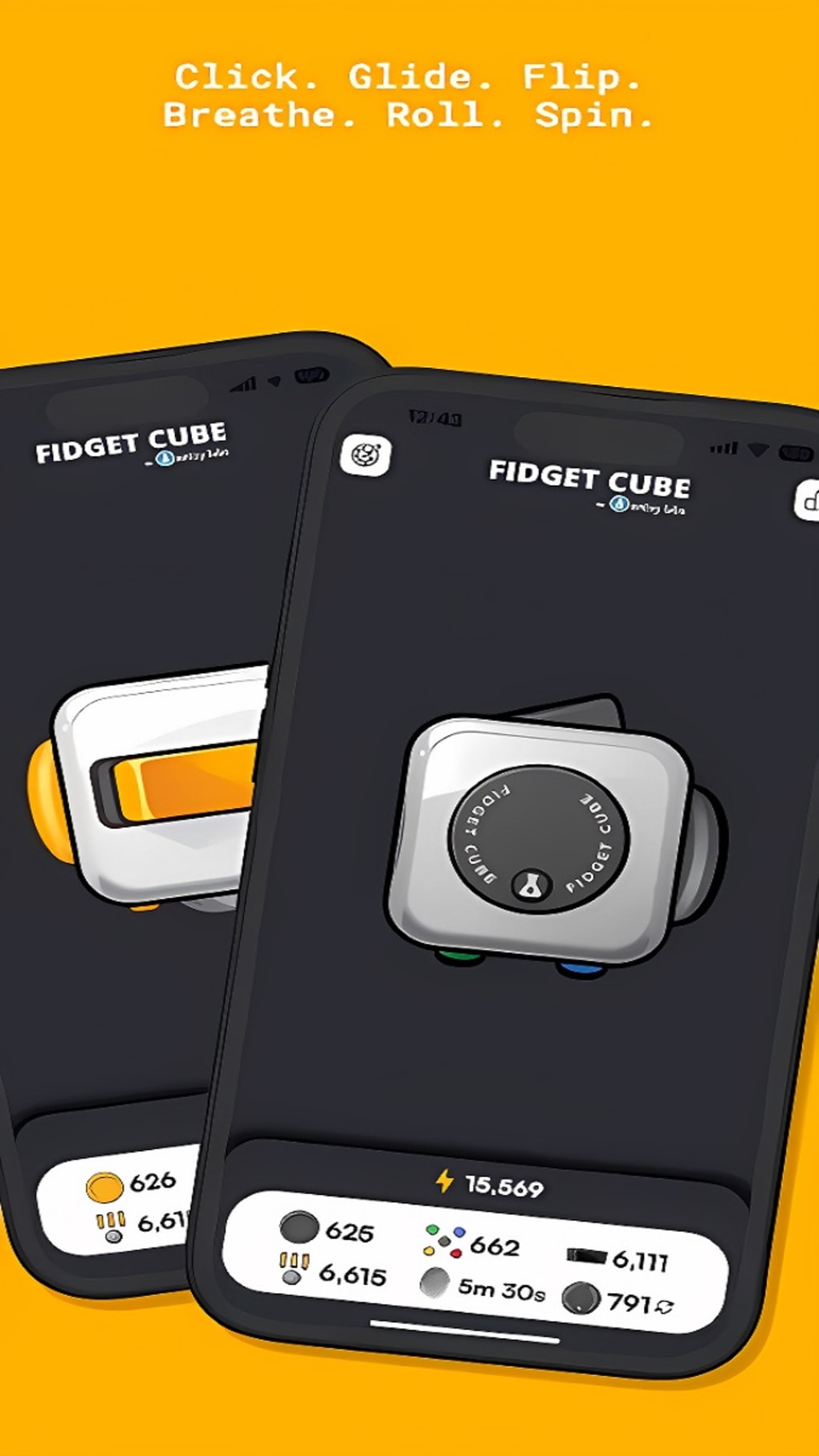
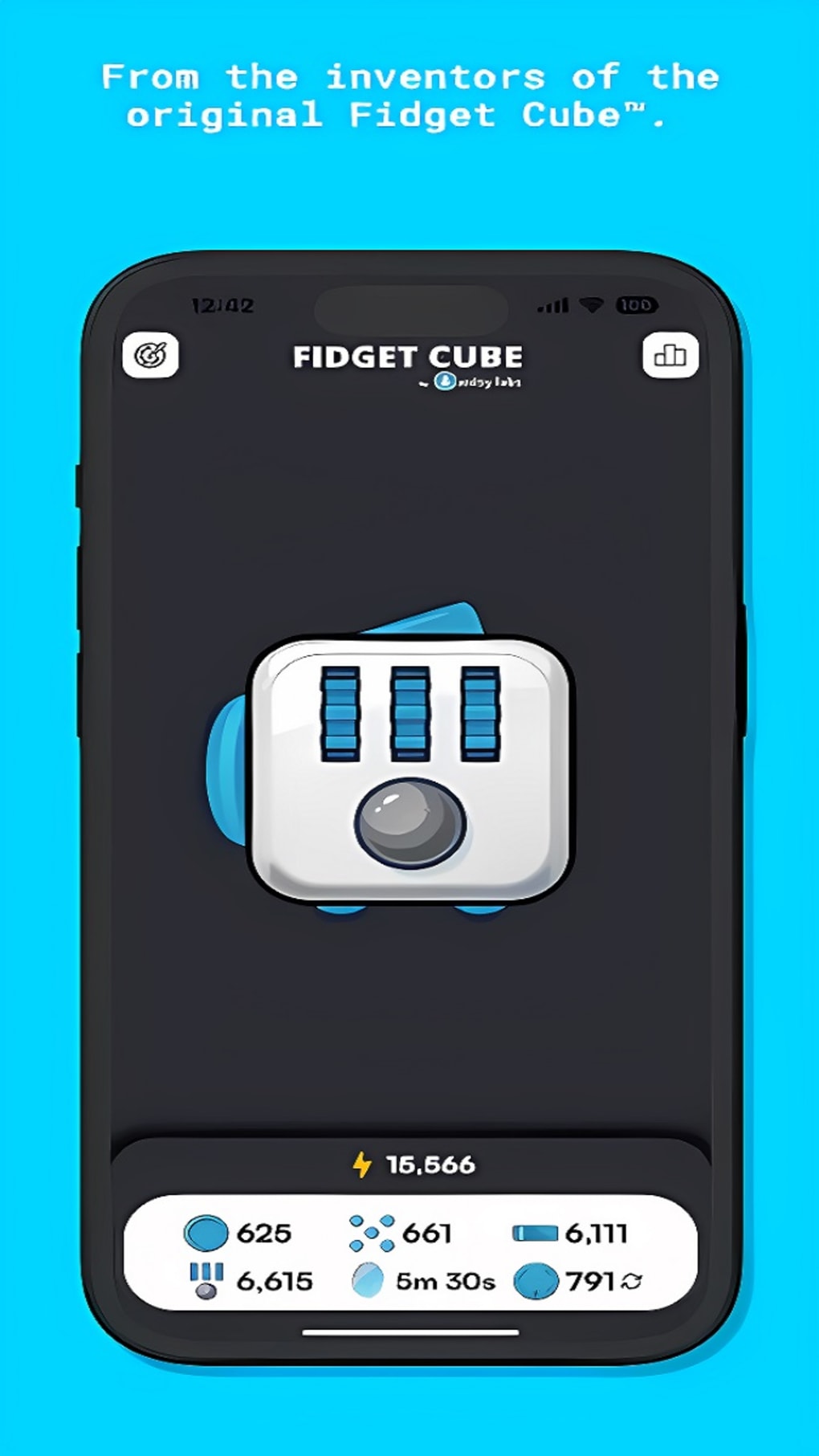
- Interactive Six-Sided Interface – Each face of the virtual cube features a distinct interaction type, such as spinning gears, pressing buttons, rolling balls, or flipping switches, simulating the tactile variety of the physical version.
- Point-Based Progression System – Users earn points for each interaction, encouraging repeated use and creating a gamified experience that promotes engagement over time.
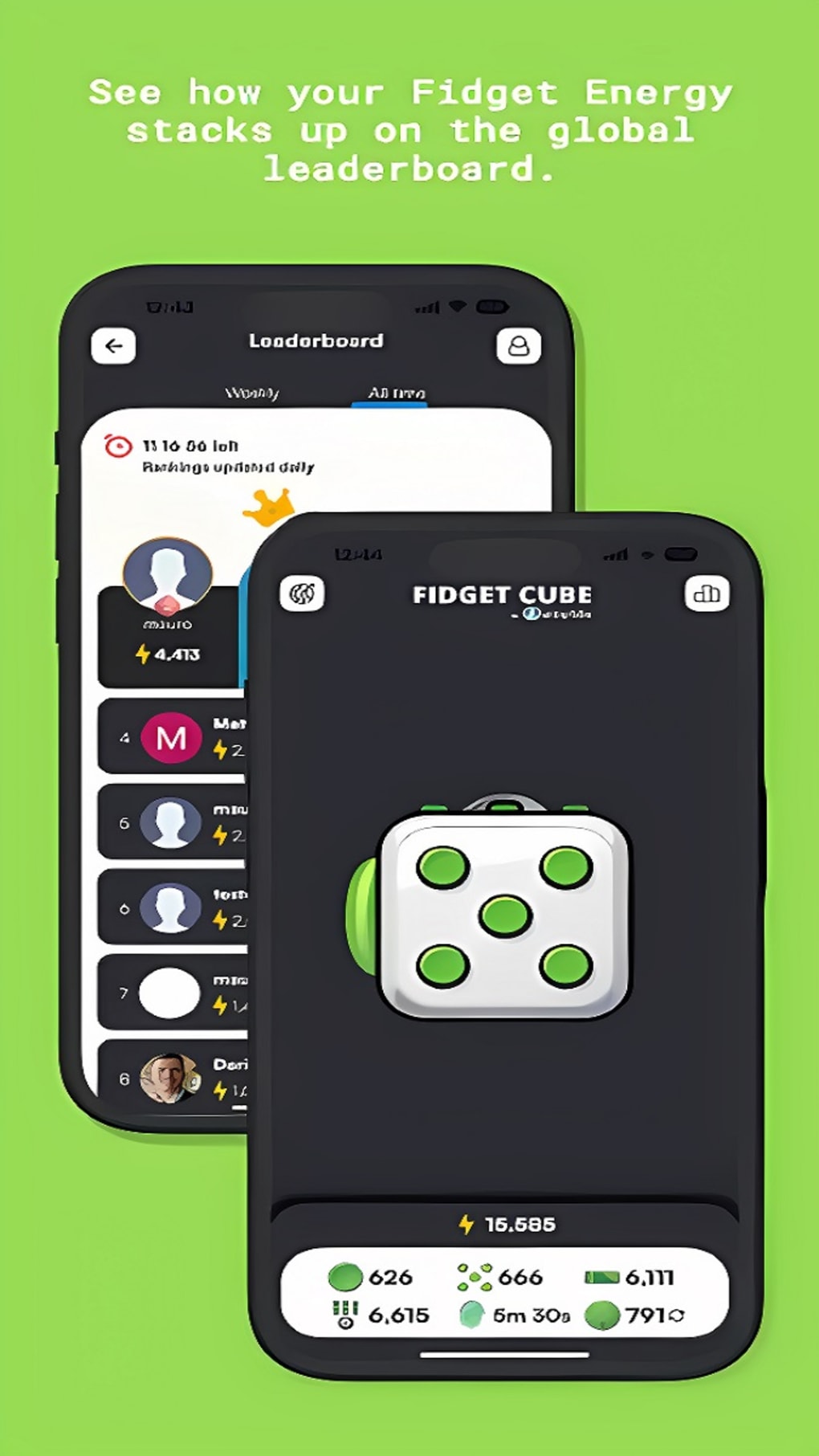
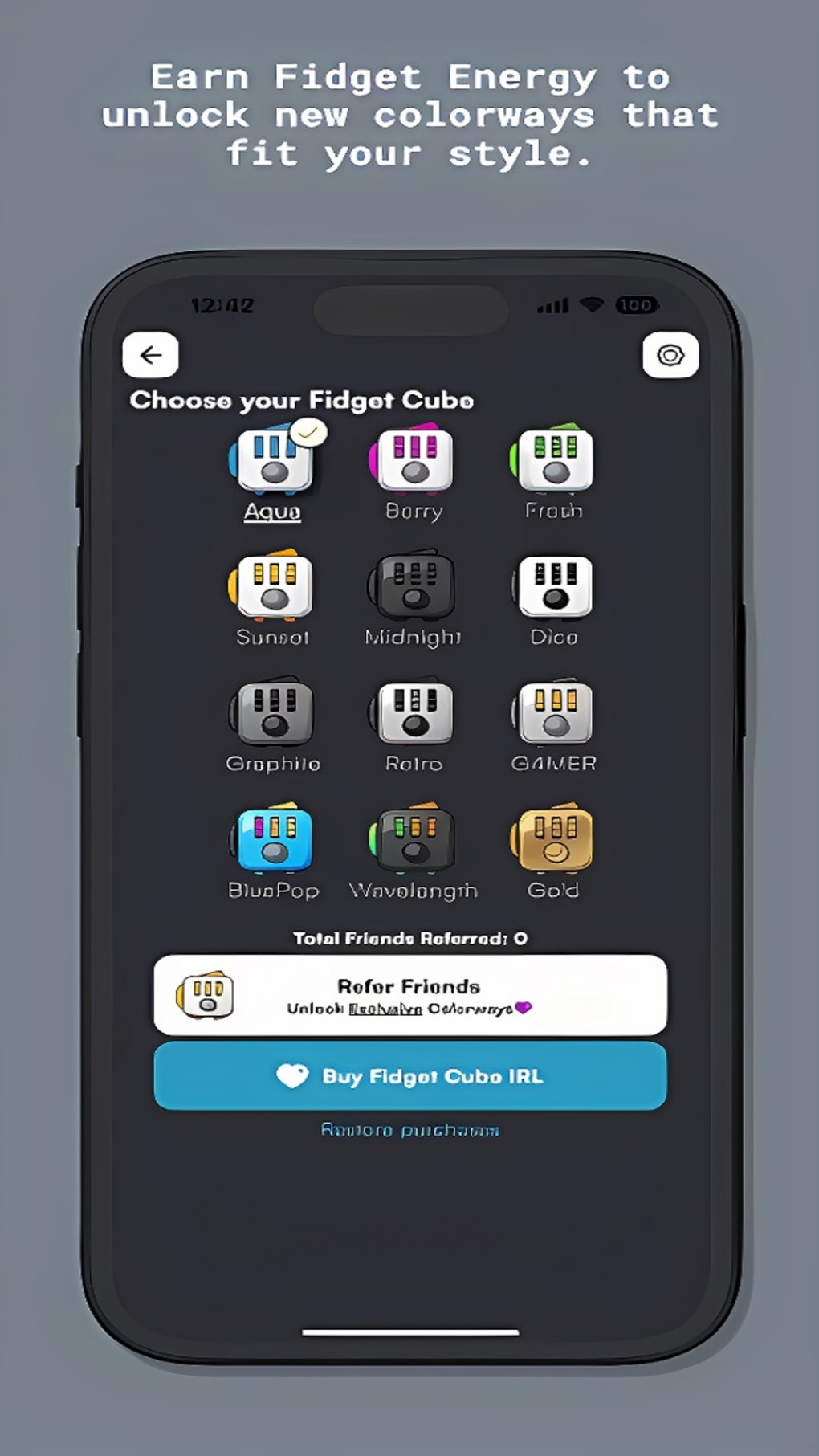
- Unlockable Designs and Colorways – As users progress, they can unlock new visual themes and color schemes for the cube, adding a layer of personalization and incentive to continue playing.
- Leaderboard Integration – The app includes a competitive element, allowing users to compare their scores with others globally, fostering ongoing motivation and replayability.
- Lightweight and Accessible – With a file size of 25.6 MB, the app is optimized for mobile devices, ensuring fast installation and minimal storage impact.
These features collectively create a seamless, distraction-free environment ideal for mental reset moments. For example, a student might use the app between study sessions to reset focus, while a remote worker could tap through a few interactions during a video call break. The gamification elements, particularly the unlockable designs and leaderboards, help maintain long-term interest beyond a novelty phase.
User Interface, Workflow & Performance
The user interface of Fidget Cube is minimalistic and intuitive, prioritizing direct interaction with the cube. The central layout places the 3D-rendered cube in the middle of the screen, with no cluttered menus or unnecessary buttons. Navigation is entirely gesture-based—users can tap, swipe, and rotate the cube using touch inputs. The workflow is linear and responsive: users interact with one side at a time, and each action triggers immediate visual feedback. The app maintains consistent performance across tested devices, with no noticeable lag during transitions between sides. The developer did not specify resource usage details, but the lightweight file size suggests efficient memory and CPU handling. Stability appears reliable during extended use, with no crashes reported in the provided data. Performance observations are based on general software behavior patterns. The app’s simplicity ensures that users can start interacting immediately, with no learning curve. This makes it particularly suitable for quick, low-effort engagement during short breaks or moments of mental fatigue.
Compatibility & System Requirements
Fidget Cube by Antsy Labs is available for both iOS and Android platforms, making it accessible to a wide range of mobile users. The app version is 1.2.5, released on August 15, 2023. It has a file size of 25.6 MB, indicating a compact footprint that does not strain device storage. Exact system requirements were not listed, but the app’s lightweight nature suggests compatibility with most modern smartphones and tablets. The developer did not provide additional system requirements. Compatibility information was partially provided. Users should ensure their device supports the latest version of their respective operating system to run the app smoothly. No specific hardware specifications were mentioned.
Pros and Cons
Pros
- Free to download and use with no in-app purchases
- Lightweight design (25.6 MB) ensures fast installation
- Intuitive, gesture-based interface with minimal learning curve
- Engaging gamification through points, leaderboards, and unlockable designs
- Accessible across iOS and Android devices
Cons
- Lacks tactile feedback and physical manipulation of the real cube
- No offline mode mentioned in provided information
- Performance may vary on older or low-end devices due to unspecified requirements
- Limited to mobile platforms—no desktop or web version available
- Gameplay may become repetitive over time for some users
FAQ Section
Is Fidget Cube available for free?
Yes, the Fidget Cube app is completely free to download and use, with no in-app purchases or subscription fees.
Which devices support Fidget Cube?
Fidget Cube is compatible with iOS and Android devices. Users should ensure their device meets the minimum system requirements for the respective operating system.
Does the app require an internet connection?
The app’s core functionality operates without an internet connection. However, features like leaderboards may require online access for score submission and ranking updates.
Can I use Fidget Cube offline?
While the app supports offline interaction with the cube, certain features such as leaderboards and account synchronization may require an active internet connection.
Is the app secure and safe to use?
Fidget Cube by Antsy Labs is a trusted application developed by a known studio. It does not collect personal data beyond basic usage analytics. Users are advised to download the app only from official app stores to ensure authenticity.
Final Thoughts
Fidget Cube by Antsy Labs delivers a faithful and engaging digital adaptation of the beloved physical fidget toy. While it cannot replicate the full sensory experience of handling a real cube, its interactive design, gamified progression, and visual customization make it a compelling alternative for users seeking mental relief or a momentary distraction. The app’s lightweight nature, cross-platform availability, and free access enhance its appeal. It is particularly well-suited for students, remote workers, and individuals managing stress or attention challenges. For those who enjoy the concept of fidgeting but lack access to the physical product, this app offers a convenient and accessible solution. The lack of tactile feedback remains its most notable limitation, but the overall experience is still satisfying and purposeful. Download Fidget Cube now and experience the digital evolution of a timeless stress-relief tool.
Guides & Tutorials for Fidget Cube by Antsy Labs
How to install Fidget Cube by Antsy Labs
- Click the Preview / Download button above.
- Once redirected, accept the terms and click Install.
- Wait for the Fidget Cube by Antsy Labs download to finish on your device.
How to use Fidget Cube by Antsy Labs
This software is primarily used for its core features described above. Open the app after installation to explore its capabilities.
User Reviews for Fidget Cube by Antsy Labs 0
No reviews found





